
Completed
Data Analysis Challenge - Week of 05 Oct 2026
This challenge has ended. You can still review the details below.
Explore the latest challenge for this roleBuild a data analysis tool using Python for an entry-level data analyst. Utilize SQL, version control, and package management.
Data Analyst
Solo only.
Share this challenge
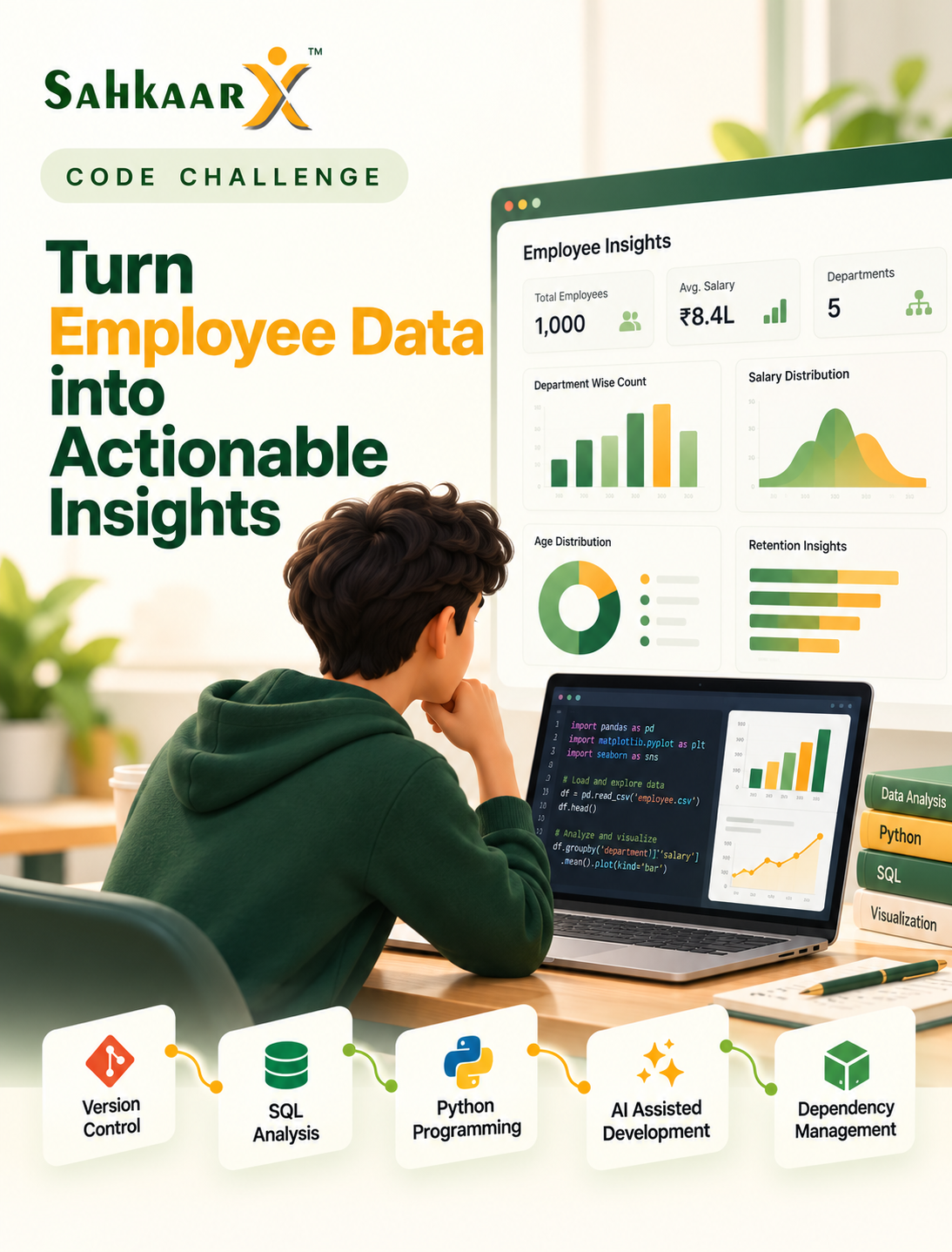
The Challenge Brief
Problem definition
Analyze a dataset to extract insights. Input data (download): https://... (columns such as id, name, age, salary). Focus on data cleaning, exploratory analysis, and visualization. Every line under Success criteria is in scope for this challenge. Evaluation considers all of those topics, so your code should demonstrate as many skills and topics as possible.
Task brief
Create a data analysis tool using Python, SQL, version control, and package management.
Version Control
Master Version Control to manage data analysis project effectively.
SQL
Utilize SQL to analyze employee data for insights, focusing on data cleaning, exploratory analysis, and visualization.
Programming Fundamentals
Programming Fundamentals skill adds foundational programming capabilities to the data analyst role.
Python Programming
Master Python Programming to analyze employee data for retention strategies.
Package & Dependency Management
Master Package & Dependency Management to ensure the data analysis environment is stable and reproducible.
Ai Assisted Software Development
Utilize AI-assisted software development to enhance data analysis efficiency and accuracy for employee retention strategies.
Language and stack
Required language is Python 3, pytest, and ML-appropriate libraries (e.g. scikit-learn, OpenCV, PyTorch).
Scenario
You are a data analyst for a company that needs to analyze employee data to improve retention strategies.
Deliverables
- A Jupyter notebook with analysis.
- A README file with instructions.
- A requirements.txt file with dependencies.
Success criteria
AI evaluation scores every topic bullet below. Aim to demonstrate as many of these skills and topics as possible in your repository.
Version Control
- Repository Setup (beginner): A properly initialized Git repository with a README file.
- Basic Commands (beginner): Demonstrated use of git status, git add, and git commit.
- Commits (beginner): At least one commit with a meaningful message.
- Branching (beginner): Creation of a new branch named 'feature-analysis'.
- Merging (beginner): Successful merge of 'feature-analysis' into 'main'.
- Conflict Resolution (intermediate): Resolution of a merge conflict with a clear commit message.
- Pull Requests (intermediate): Creation of a pull request with a detailed description and review process.
SQL
- SELECT Queries (beginner): Write a SELECT query to retrieve specific columns from the employee dataset.
- JOINs (intermediate): Perform an INNER JOIN on two tables to combine employee data with department information.
- GROUP BY (intermediate): Use GROUP BY to aggregate employee data by department.
- SELECT, FROM, WHERE (intermediate): Write a query that selects specific columns from the employee table with a WHERE clause to filter results.
- GROUP BY, ORDER BY (intermediate): Combine GROUP BY and ORDER BY to sort aggregated employee data by department.
- Join S (INNER, LEFT) (intermediate): Perform both INNER and LEFT JOINs to compare employee data across different tables.
- Aggregate Functions (COUNT, SUM, AVG) (intermediate): Use aggregate functions to calculate total, average, and count of employee salaries.
- Subqueries (beginner): Write a subquery to find employees with salaries above the department average.
- Basic DDL/DML (beginner): Demonstrate creating a new table and inserting data into it.
Programming Fundamentals
- Variables & Data Types (beginner): Correctly declare and initialize variables with appropriate data types.
- Operators (beginner): Use arithmetic, comparison, and logical operators correctly in expressions.
- Expressions (beginner): Construct and evaluate expressions that combine variables, operators, and functions.
- Control Flow (beginner): Implement if-else statements and loops to control the flow of the program.
- Functions & Methods (beginner): Define and call functions to encapsulate reusable code.
- Collections (intermediate): Use lists, dictionaries, and sets to store and manipulate collections of data.
- Exception Handling (intermediate): Implement try-except blocks to handle exceptions gracefully.
- File Handling (beginner): Read from and write to files using file handling operations.
Python Programming
- Python Syntax (beginner): Correctly use Python syntax to load and manipulate the dataset.
- Functions (beginner): Define and call functions to clean and preprocess the data.
- Modules & Packages (beginner): Import necessary libraries like pandas and matplotlib for data analysis and visualization.
- Virtual Environments (beginner): Use a virtual environment to manage dependencies for the project.
- Object-Oriented Python (intermediate): Create classes to encapsulate data cleaning and analysis logic.
Package & Dependency Management
- Package Managers Overview (beginner): Demonstrate understanding of package managers by listing installed packages.
- Semantic Versioning (beginner): Use semantic versioning in dependency specifications.
- Version Constraints (intermediate): Apply version constraints in dependency management.
- Installing Dependencies (beginner): Successfully install required packages.
- Dependency Lock Files (intermediate): Use a lock file to ensure consistent environments.
- Updating Dependencies (intermediate): Update dependencies and verify compatibility.
- Transitive Dependencies (intermediate): Identify and manage transitive dependencies.
- Private Package Repositories (beginner): Access and use packages from a private repository.
- Publishing Packages (beginner): Publish a package to a repository.
- Dependency Security & Vulnerability Scanning (intermediate): Scan dependencies for vulnerabilities and apply security best practices.
- License Management (beginner): Check and manage licenses of dependencies.
- Dependency Best Practices (intermediate): Follow best practices in managing dependencies.
Ai Assisted Software Development
- Working with AI Assistants (beginner): Use AI to assist in identifying and cleaning data anomalies.
- Prompt Writing Fundamentals (beginner): Write clear prompts for AI to generate code snippets for data analysis.
- Code Generation (beginner): Generate initial code for data cleaning and exploratory analysis using AI.
- AI-assisted Debugging (beginner): Use AI to identify and fix basic bugs in the data analysis code.
- AI-assisted Refactoring (intermediate): Refactor code for better performance and readability with AI suggestions.
- AI-assisted Unit Testing (intermediate): Create unit tests for data analysis functions with AI assistance.
- AI-assisted Documentation (beginner): Document the data analysis process and code with AI-generated comments.
- AI Output Validation (intermediate): Validate AI-generated code and analysis results for accuracy.
- AI Limitations & Hallucinations (beginner): Recognize and mitigate potential AI limitations and hallucinations in the analysis.
- Responsible AI Usage (beginner): Ensure ethical and responsible use of AI in data analysis.
How to submit
- Register and connect your GitHub account.
- SahkaarX creates a private repo and notifies you.
- Clone the repo, implement, and push your changes.
- Submit in the app using the system-created repo.
What happens after you submit
AI repo review runs when the challenge window closes. Every participant must complete a mandatory in-app conversation about their submission. If human judges exist, they review repo scores and the conversation transcript before final results; otherwise results finalize automatically after the conversation.
Intellectual property
Participants own the intellectual property in their submission. SahkaarX may host, evaluate, display on leaderboards, and otherwise operate the challenge. The GitHub repository is a private repo under the participant or team leader account.
Skills You’ll Put to Work
Version Control
- Repository SetupBeginnerFundamental
- Basic CommandsBeginnerFundamental
- CommitsBeginnerFundamental
- BranchingBeginnerFundamental
- MergingBeginnerFundamental
- Conflict ResolutionIntermediateFundamental
- Pull RequestsIntermediateFundamental
SQL
- SELECT QueriesBeginnerFundamental
- JOINsIntermediateFundamental
- GROUP BYIntermediateFundamental
- SELECT, FROM, WHEREIntermediateFundamental
- GROUP BY, ORDER BYIntermediateFundamental
- Join S (INNER, LEFT)IntermediateFundamental
- Aggregate Functions (COUNT, SUM, AVG)IntermediateFundamental
- SubqueriesBeginnerFundamental
- Basic DDL/DMLBeginnerFundamental
Programming Fundamentals
- Variables & Data TypesBeginnerFundamental
- OperatorsBeginnerFundamental
- ExpressionsBeginnerFundamental
- Control FlowBeginnerFundamental
- Functions & MethodsBeginnerFundamental
- CollectionsIntermediateFundamental
- Exception HandlingIntermediateFundamental
- File HandlingBeginnerFundamental
Python Programming
- Python SyntaxBeginnerFundamental
- FunctionsBeginnerFundamental
- Modules & PackagesBeginnerFundamental
- Virtual EnvironmentsBeginnerFundamental
- Object-Oriented PythonIntermediateFundamental
Package & Dependency Management
- Package Managers OverviewBeginnerFundamental
- Semantic VersioningBeginnerFundamental
- Version ConstraintsIntermediateFundamental
- Installing DependenciesBeginnerFundamental
- Dependency Lock FilesIntermediateFundamental
- Updating DependenciesIntermediateFundamental
- Transitive DependenciesIntermediateFundamental
- Private Package RepositoriesBeginnerFundamental
- Publishing PackagesBeginnerFundamental
- Dependency Security & Vulnerability ScanningIntermediateFundamental
- License ManagementBeginnerFundamental
- Dependency Best PracticesIntermediateFundamental
Ai Assisted Software Development
- Working with AI AssistantsBeginnerFundamental
- Prompt Writing FundamentalsBeginnerFundamental
- Code GenerationBeginnerFundamental
- AI-assisted DebuggingBeginnerFundamental
- AI-assisted RefactoringIntermediateFundamental
- AI-assisted Unit TestingIntermediateFundamental
- AI-assisted DocumentationBeginnerFundamental
- AI Output ValidationIntermediateFundamental
- AI Limitations & HallucinationsBeginnerFundamental
- Responsible AI UsageBeginnerFundamental
Before You Register
- Prerequisites: review the target audience, skills covered, and challenge brief.
- Deadlines: check the key dates and complete required submissions before the challenge deadline.
- Participation: Solo only.
- Evaluation: review the brief and FAQs for scoring criteria and how your work will be assessed.
- AI assistance: check this challenge's rules before using AI tools. If the rules are unclear, ask support before submitting.
Questions? Contact SahkaarX support.
Intellectual property: participants retain
Frequently Asked Questions
Who can join?
Open to all interested individuals.
How is the GitHub repo set up?
SahkaarX creates a private repo and notifies you.
When does evaluation run?
After the challenge window closes.
What is the mandatory comprehension conversation?
A conversation to verify understanding of the submission.
Skill feedback helps you decide what to practise next. Learning plans follow eligible evaluated results; additional plans are paid. No job guarantee.